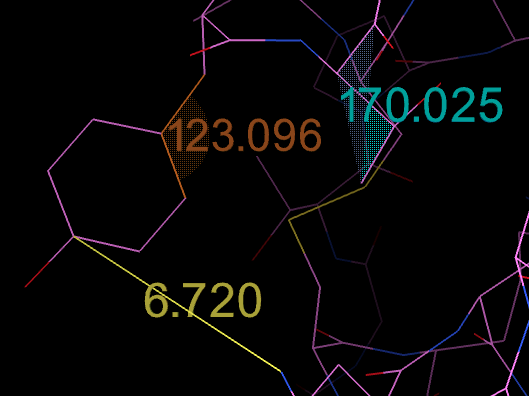
Measuring tools
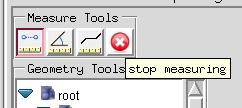
The top row of buttons under the label Measure Tools turns on measuring of distances, angles or torsion angles by Shift + left-click picking. Once a measuring button is pressed, an extra button (a white cross on a red background) appears at the right end of the row. It stops measuring and restores the normal function of Shift + left-click.
While measuring, select atoms in the 3D Viewer by left-clicking on them with the Shift key held down. Small spheres are drawn on the selected atoms. Each time the number of spheres the measurement needs is reached (2 for distances, 3 for angles, 4 for torsions), a line, an angular wedge or a bi-triangle is drawn with the measured value. Each tool uses its own color. Stopping the measuring tools removes these visual cues.